 M ContactInternal communication platform
Internal communication platform6 core modulesDesigned around everyday communication and employee data flows OTP onboardingStart with phone-based sign-in and organization invitation flows Multi-organizationSupport company structures, groups, and communities in one system
Bring internal communication into one professional system
M Contact helps organizations manage announcements, directories, calendars, chat, communities, and employee data in one structured mobile-first experience.
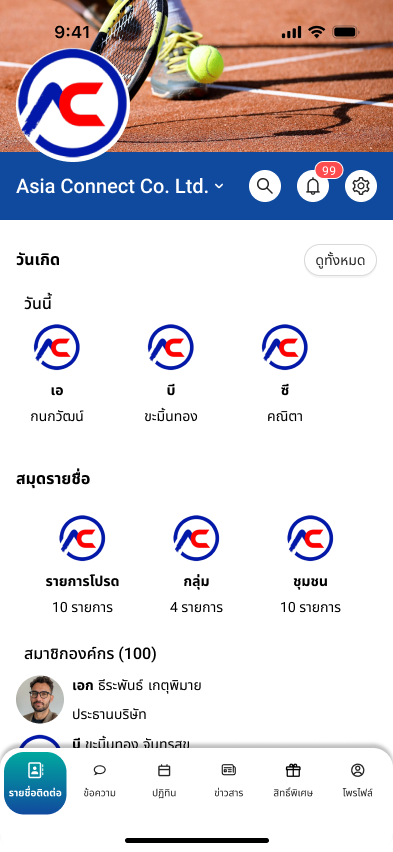
Directory and people data
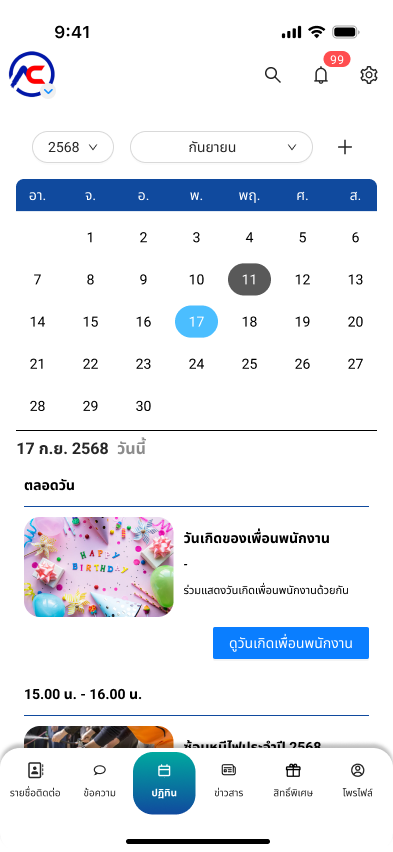
Calendar and activities
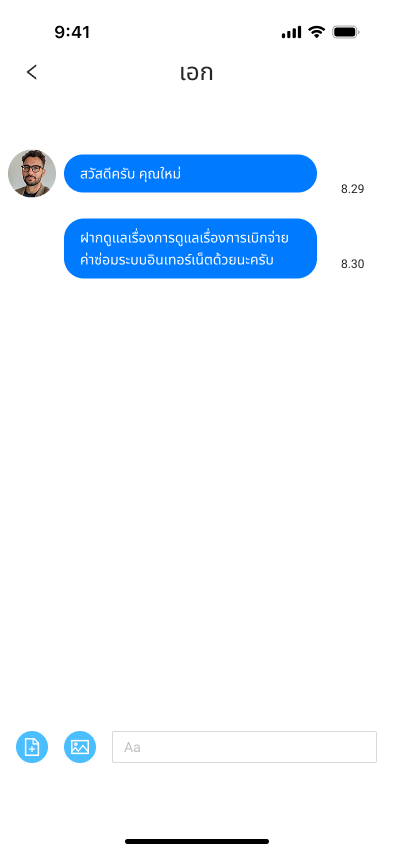
Private chat and coordination
What a public-facing page should communicate
The public site should explain the value of the product clearly and formally, focusing on the real workflows employees use every day.
Structured internal communication
Announcements, calendars, directories, chat, and communities are brought into one consistent workflow instead of being scattered across tools.
People data that stays usable
Directories, birthdays, profiles, and contact details stay accessible through views that are easy to search and navigate.
Clear onboarding for new members
From phone sign-in and OTP verification to organization selection, each step is presented in a deliberate and understandable sequence.
Core product areas
The designed screens are reframed here as product capabilities so external audiences can understand how each module supports day-to-day organizational work.
Organization calendar
Follow meetings, internal events, and participant details from one calendar view that stays easy to read.
- Daily and monthly calendar views
- Create events and track participation
- Open event details immediately
Directory and birthdays
Access member data, favorites, groups, and birthdays to make internal coordination more natural and timely.
- Searchable organization directory
- Birthday and favorites views
- Quick links to groups and communities
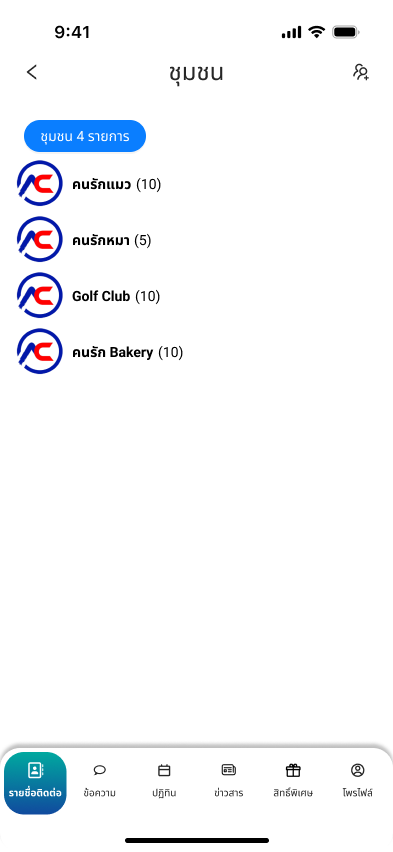
Communities and groups
Create dedicated communities so departments and teams can manage updates and participation in the right context.
- Create purpose-based groups quickly
- Separate spaces by department or interest
- Manage members from one page
Private chat
Support one-to-one coordination with file and image attachments without leaving the core system.
- Direct one-to-one work conversations
- File and image attachment support
- Connected directly to the directory flow
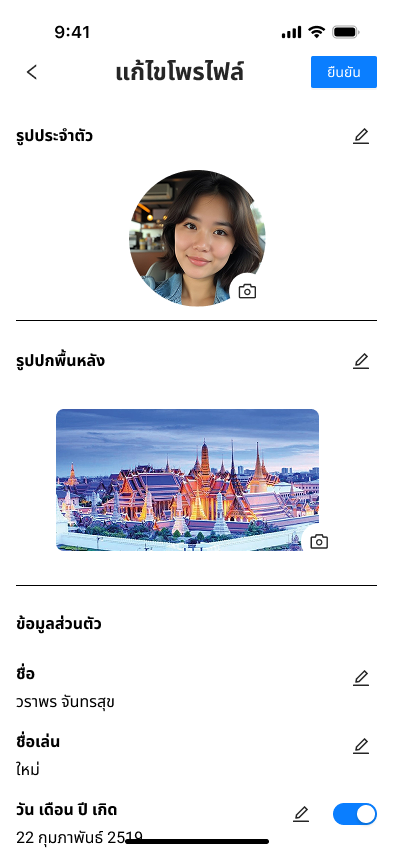
Profile and identity card
Let users update profile data, images, and related documents so employee information stays current.
- Edit photos and personal data
- Manage supporting documents and identity details
- Built around real organization data needs
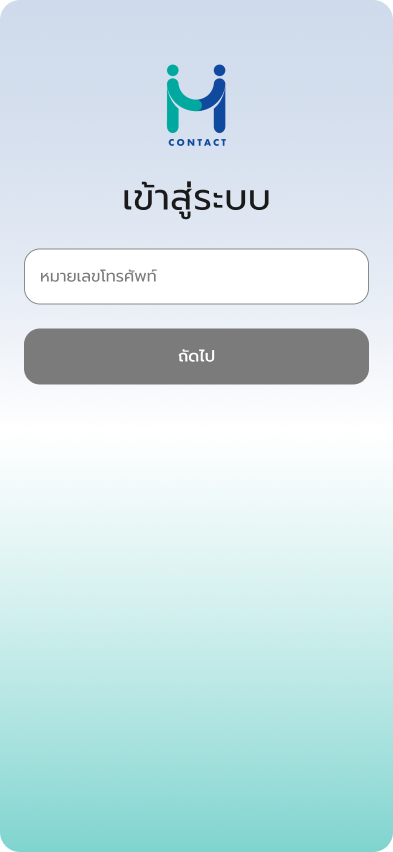
Sign-in and onboarding
Start through phone number verification, OTP, and organization selection so new users enter the right environment from the beginning.
- Phone-based sign-in
- OTP verification flow
- Support for multiple organizations and invitation logic